
Write and design emails with AI and templates
Describe your email in one sentence and let AI write and design it, or start from a ready-made template.
1Open Emails
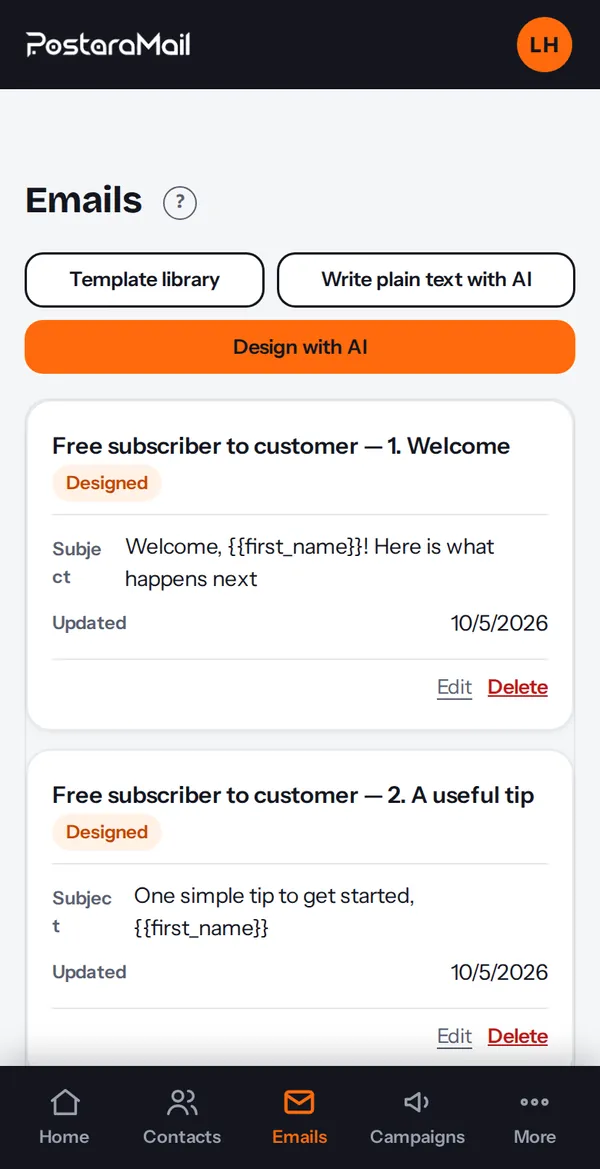
Press Emails in the top bar. You see your emails and three buttons: Design with AI, Write plain text with AI, and Template library.
2Design with AI
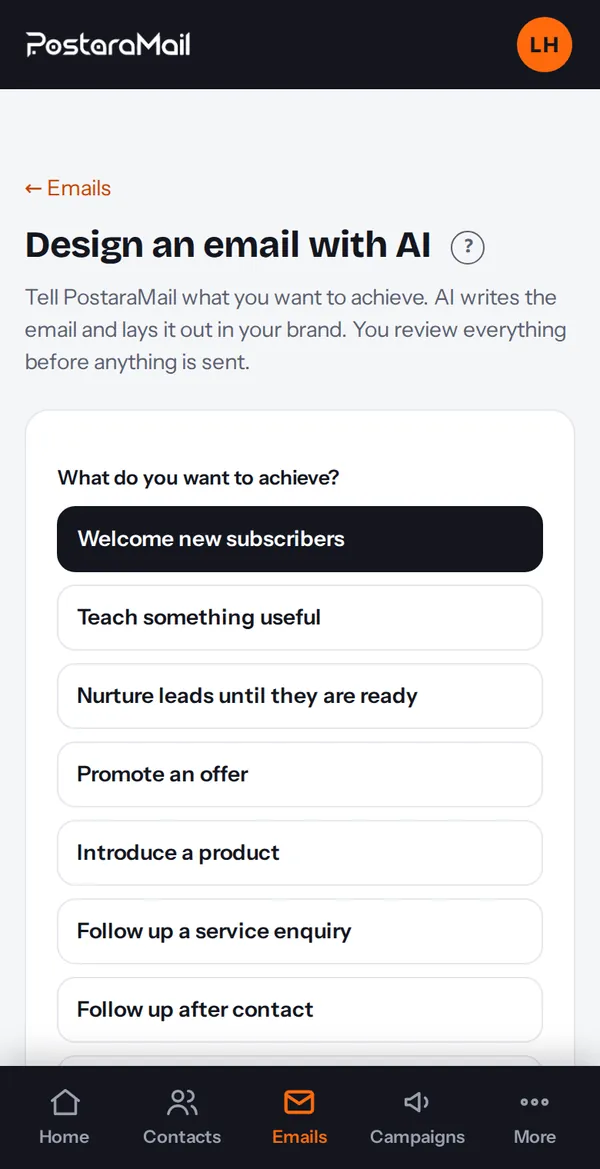
Press Design with AI. Choose the goal (welcome, educational, promotional, service, customer or re-engage), single email or a sequence, a style, and the AI model. Add any instructions and press Create with AI.
Tip: Pick the model you prefer. For accounts in or emailing the EU/UK, DeepSeek is off by default (Settings, Legal and privacy).
3Write plain text with AI
For a simple text email press Write plain text with AI, describe the email, pick a tone and press Generate. You can edit everything before saving.
4Use a template
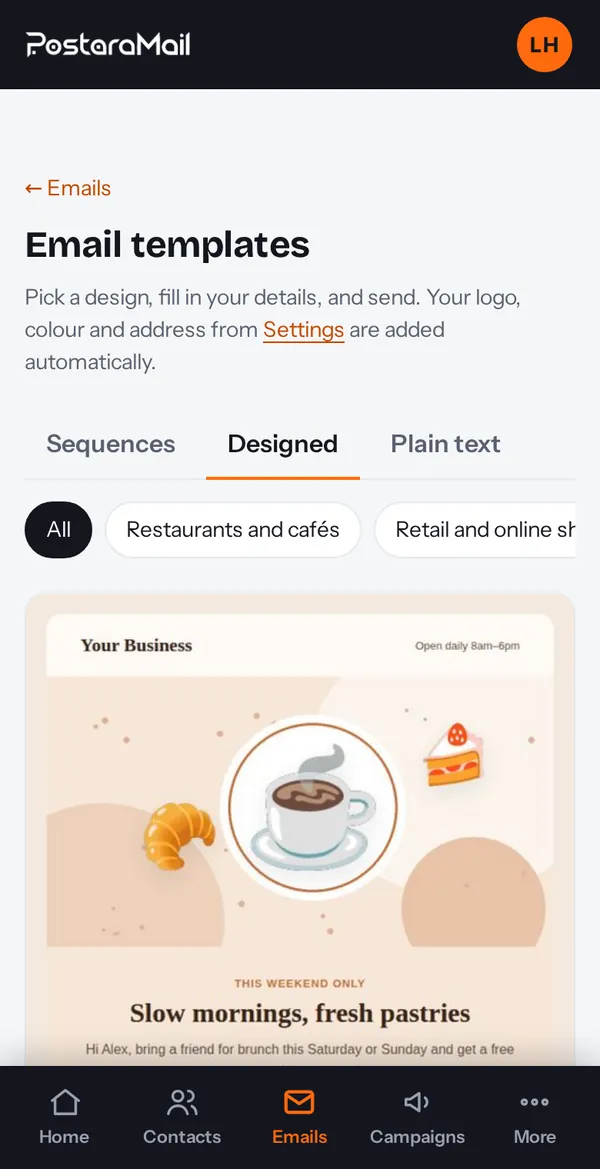
Press Template library, open a template to preview each email, then press Use template. Your business details fill in automatically, and you can let AI personalise the wording.
5AI drafts are suggestions
Always read the draft. Nothing is sent to anyone until you press send or turn an automation on.
Stuck? Contact support · All tutorials · Glossary