
Read your results
See opens, clicks, bounces and unsubscribes, and what to do about them.
1The dashboard
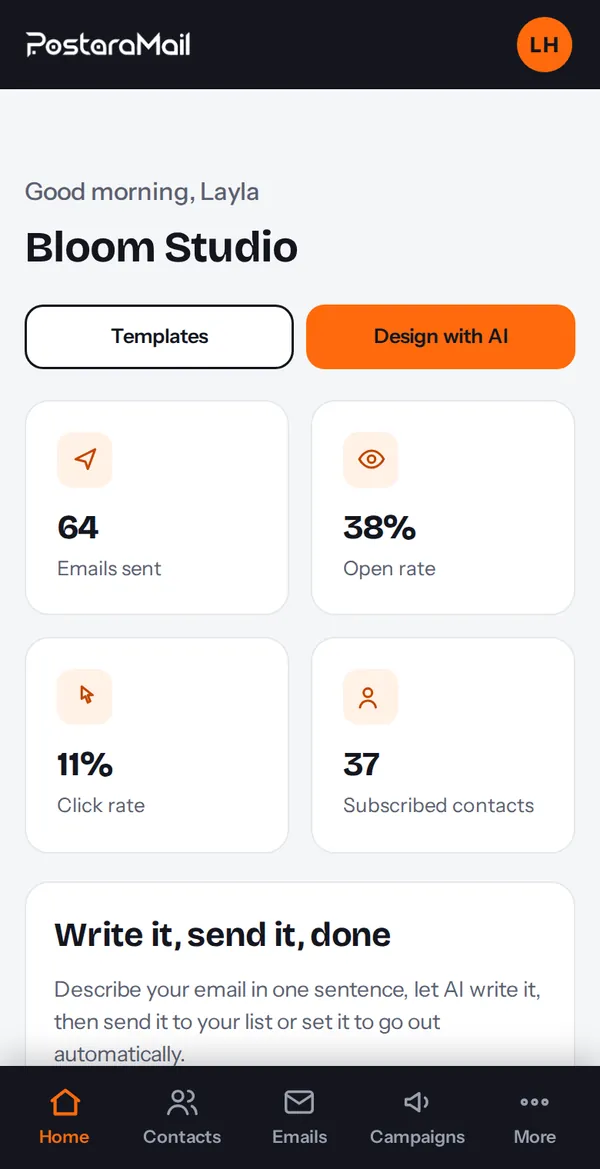
The dashboard shows emails sent, open rate, click rate and your subscribers, plus your plan usage.
2A campaign's results
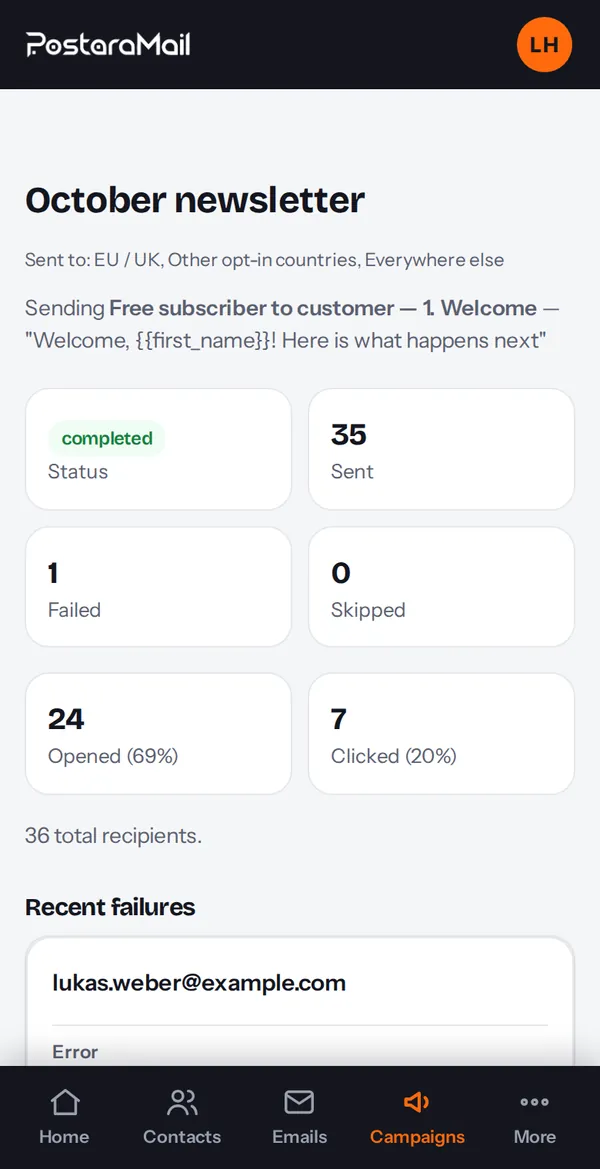
Open a campaign to see sent, opened and clicked counts, which links were clicked, and any recipients that failed.
3What the numbers mean
Opens are an estimate (some apps hide them). Clicks are more reliable. A rising unsubscribe or complaint rate means the email or the list is a poor fit.
4Bounces and complaints
Hard bounces and spam complaints are suppressed automatically everywhere. Three spam complaints on an account suspend sending until we review it, so keep to permission-based lists.
Stuck? Contact support · All tutorials · Glossary