
Automations: welcome and follow-up series
Send a series of emails automatically when someone joins, with delays between them.
1Open Automations
Press Automations in the top bar. Each automation is a series of emails with a delay between them.
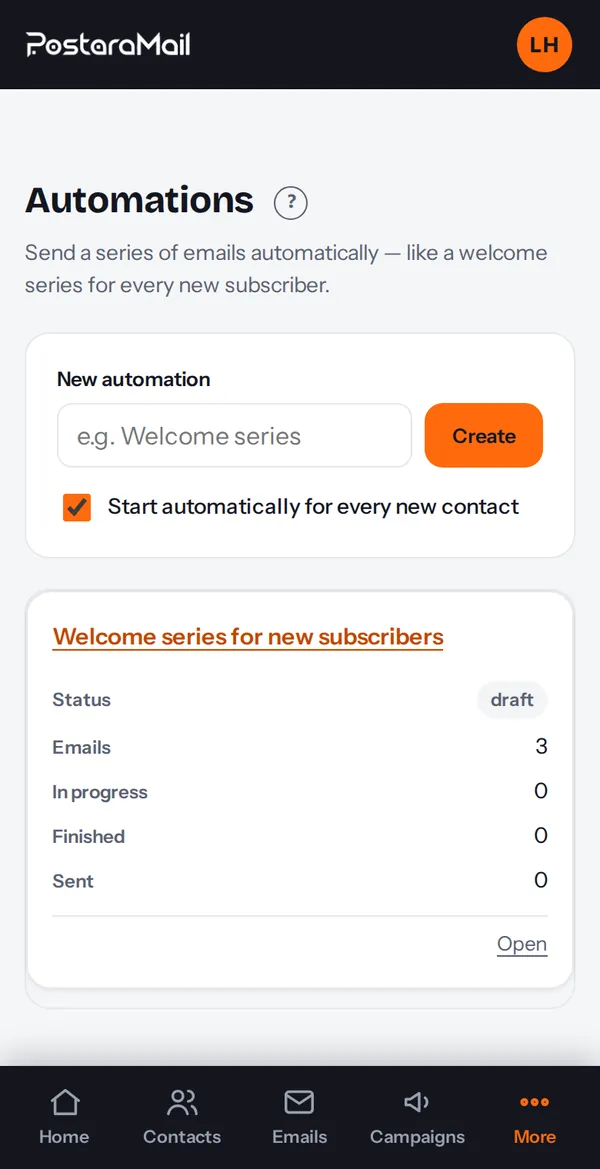
2Start from a template
The quickest way: Emails, Template library, Sequences. Pick (for example) Free subscriber to customer, press Use template, and you get a complete series that is switched off so you can review it.
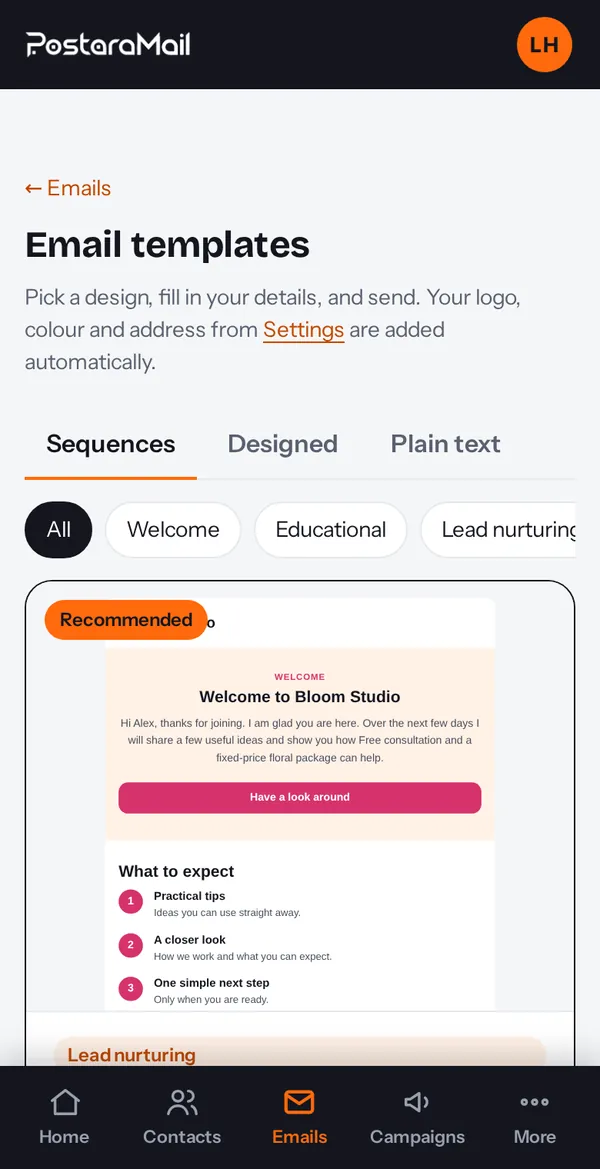
3Review the emails and timing
Open the automation. Each step has a subject, a body and a delay. Edit them, reorder with the arrows, or add an email.
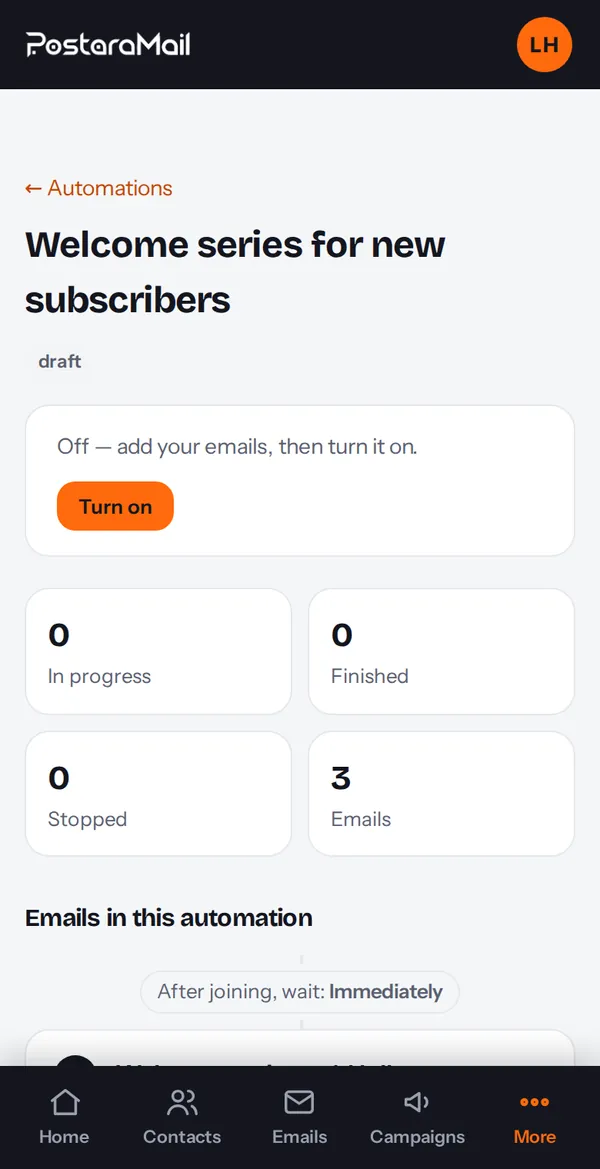
4Choose who joins
Tick the option to start for every new contact, or press Add all subscribers to enrol the people you already have. People are enrolled only if they are allowed to be emailed in their region.
5Turn it on
Press Turn on. You need your postal address saved in Settings first. You can pause at any time; anyone who unsubscribes stops getting emails at once.
Stuck? Contact support · All tutorials · Glossary