
Account, the app and security
Install the app on your phone, keep your account safe, and delete your data if you ever need to.
1The account menu
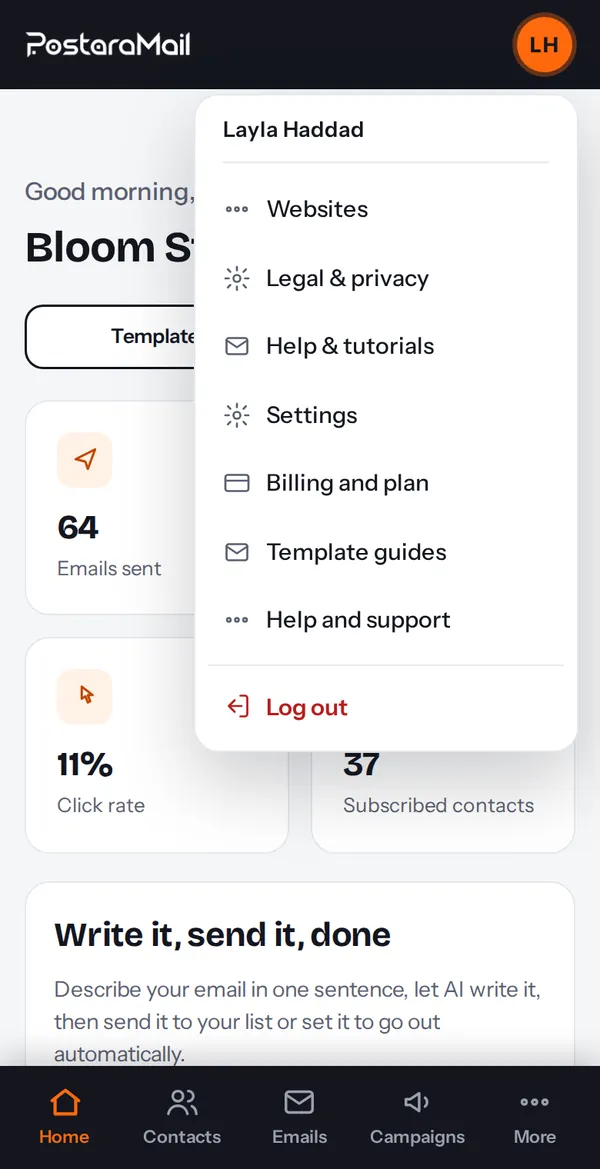
Press your avatar for Settings, Billing, Websites, Legal and privacy, Help and tutorials, Install app and Log out.
2Install the app
On Android open the browser menu and choose Install app (or press Install app in the account menu). On iPhone use Share, then Add to Home Screen. It opens like a normal app.
3Staying safe
Use a strong, unique password. You are logged out after 30 minutes of inactivity. Never share your API keys.
4Delete your account
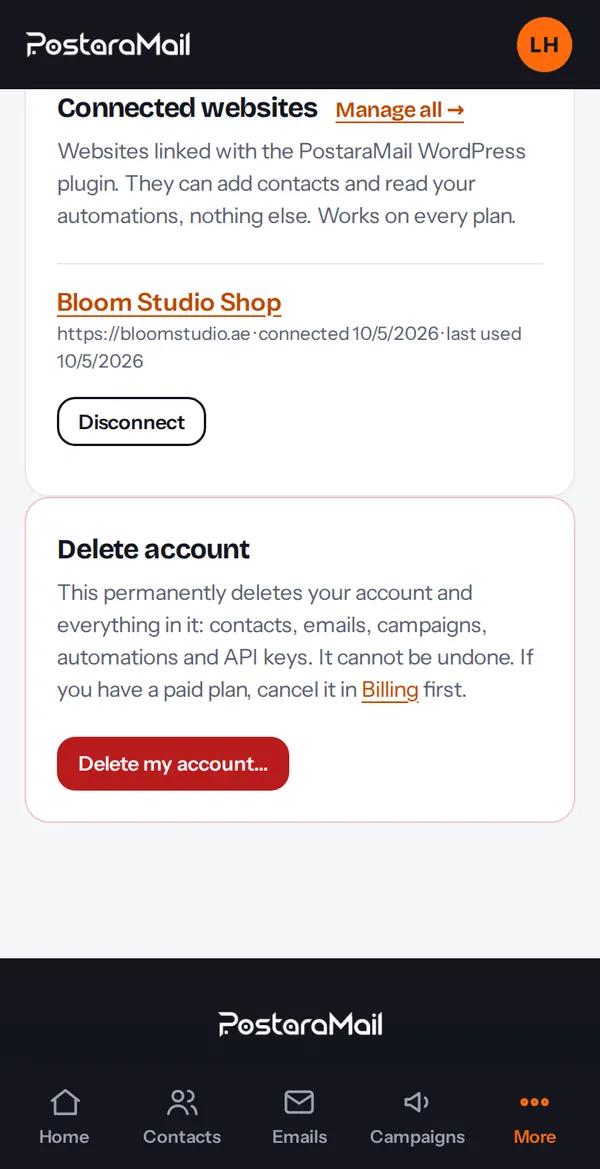
Under Settings, Delete account, enter your password and the word DELETE. Your contacts, emails and campaigns are removed immediately. You must cancel any paid plan first.
Stuck? Contact support · All tutorials · Glossary