
Register and verify your account
Create your free account, agree to the legal terms for your country, and verify your email.
1Open the signup page
Go to postaramail.com and press Start free. Enter your name, business name, email and a password of at least 8 characters.
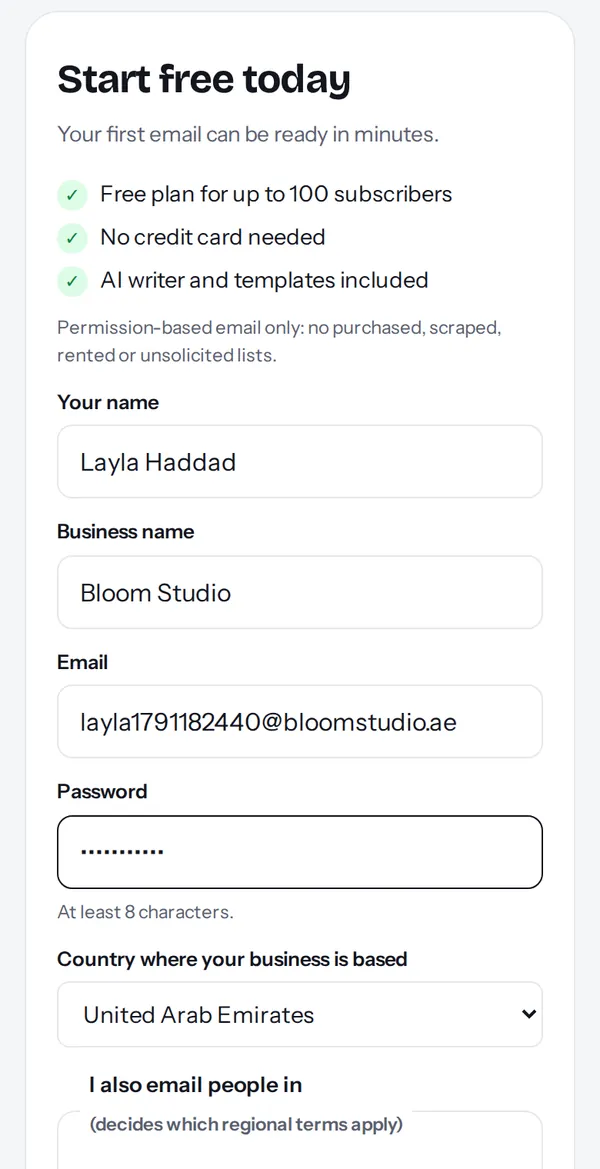
2Choose your country and regions
Pick the country where your business is based. Tick the regions where you also email people (EU/UK/Switzerland, the Gulf states, or countries like Canada, Australia and India). This decides which regional terms apply to you.
3Read and agree to the legal terms
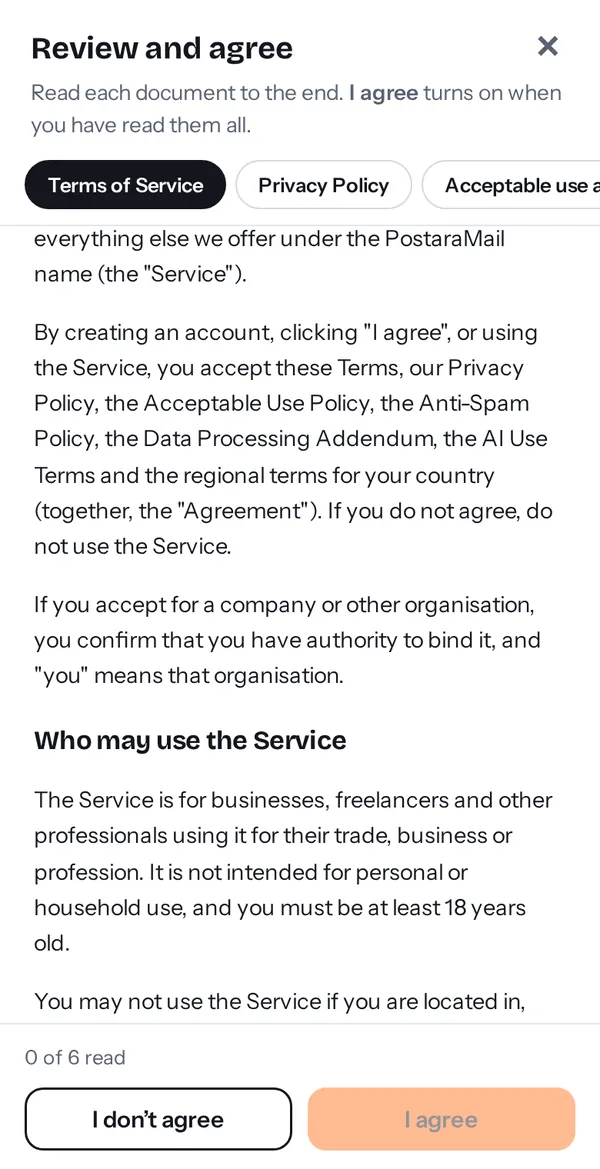
Press Read and agree. A window shows each document as a tab: Terms, Privacy, Acceptable use and anti-spam, the Data Processing Addendum, AI Use Terms, and the terms for your country. Read each to the end (a tick appears), then press I agree. If you press I don't agree you cannot create an account.
Tip: Your agreement is saved with the document versions, time and country, so you can prove what you accepted.
4Create the account and verify
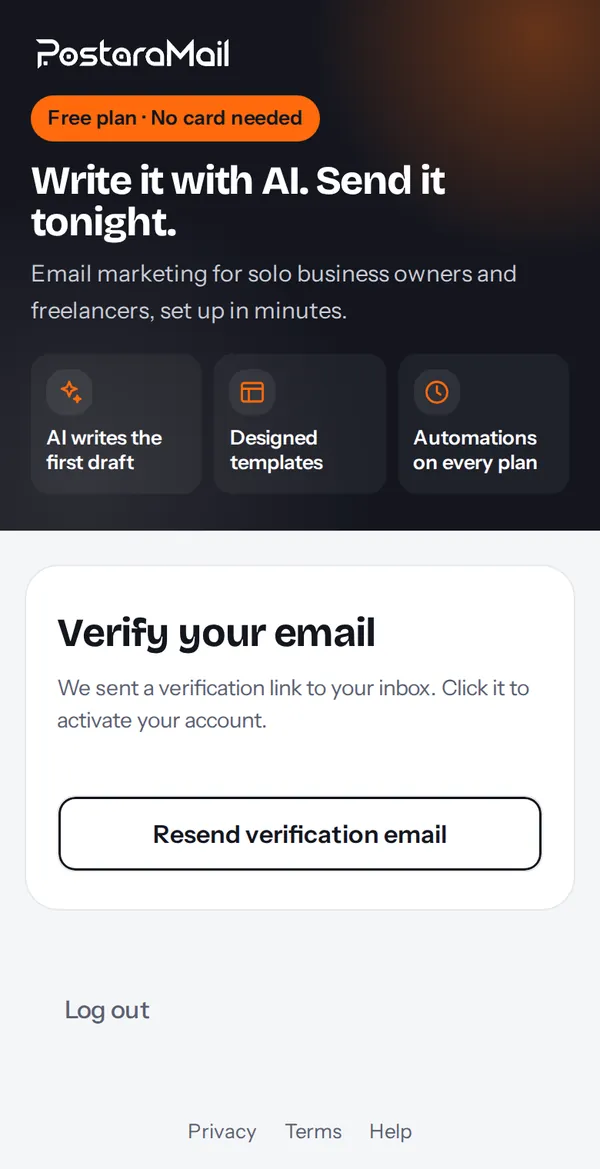
Press Create my free account. We send a verification email: open it and press Verify my email. Nothing in the app works until you verify.
5Your dashboard
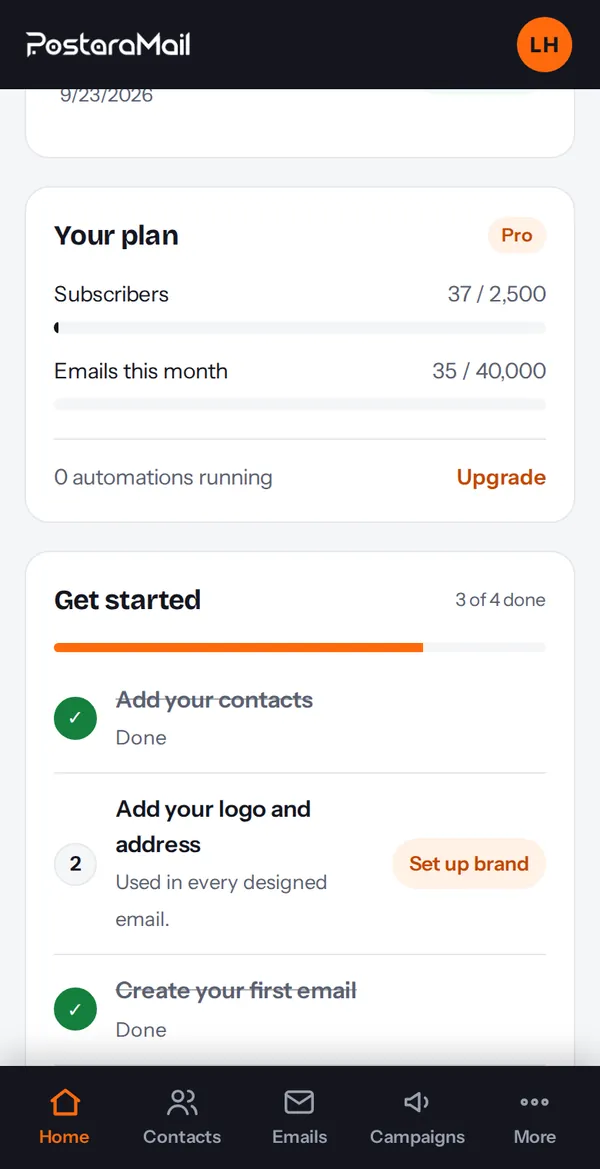
After verifying you land on the dashboard. The Get started list shows the four first steps: add contacts, add your logo and address, create your first email, send your first campaign.
Stuck? Contact support · All tutorials · Glossary