Free clinic monthly newsletter template for clinics and health practices
Key takeaways
- This monthly newsletter template is built for clinics and health practices that want to stay top of mind and bring readers back to your site.
- It uses one main button — "Read more" — so readers know exactly what to do next.
- Send reminders a few weeks before a check-up is due and at the start of cold and flu season.
- Measure success by appointments booked online, calls to reception and no-show rates.
- Every email needs a visible unsubscribe link and your postal address to meet anti-spam rules.
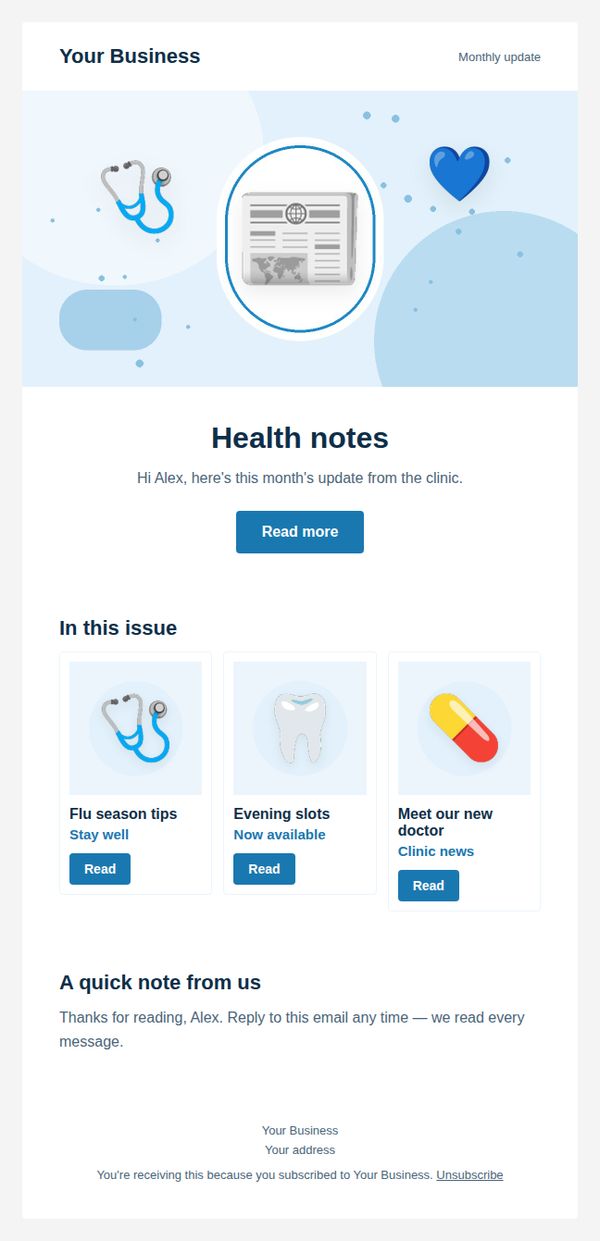
Most solo business owners and freelancers know they should email their customers, but the blank page stops them. This free clinic monthly newsletter template gives clinics and health practices a finished, ready-made layout: an illustrated banner, a clear headline, a short message and one strong call to action.
Your customers — current patients, families and people due for a check-up — get a lot of email. To stand out, an email has to be quick to understand on a phone and obvious about what to do next. That is exactly what this design is built to do.
In this guide, you will see why each section of the "Monthly newsletter" template works, how to customise it for your clinic or health practice, which subject lines to test, and how to measure the results — without hiring a designer.
Bineesh Koyente Thodika is the founder of PostaraMail, where he designed this template library for solo business owners and freelancers.
What is a monthly newsletter?
A monthly newsletter is a regular email that shares useful updates with your whole list: news, a helpful tip and a few links worth reading. Its job is to keep your business familiar, so customers think of you first when they are ready to buy or book again.
Most customers are not ready to buy on the day your email arrives. A steady, useful newsletter keeps you remembered for the day they are.
A fixed format makes it fast to write each month, and readers learn exactly what they will get.
Why this clinic template converts
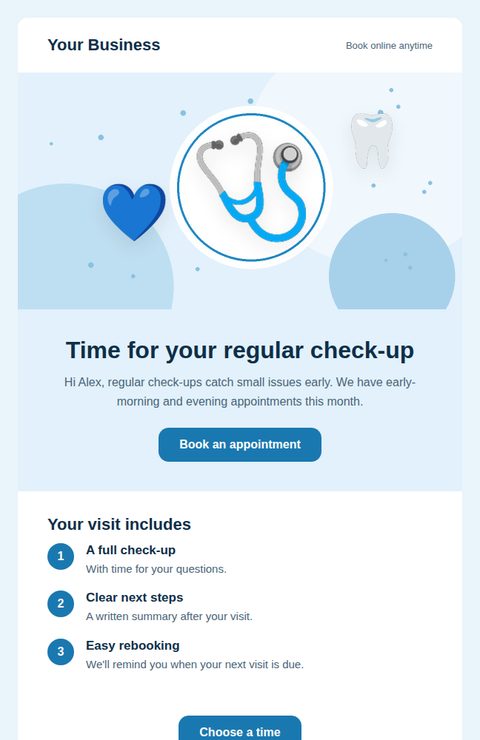
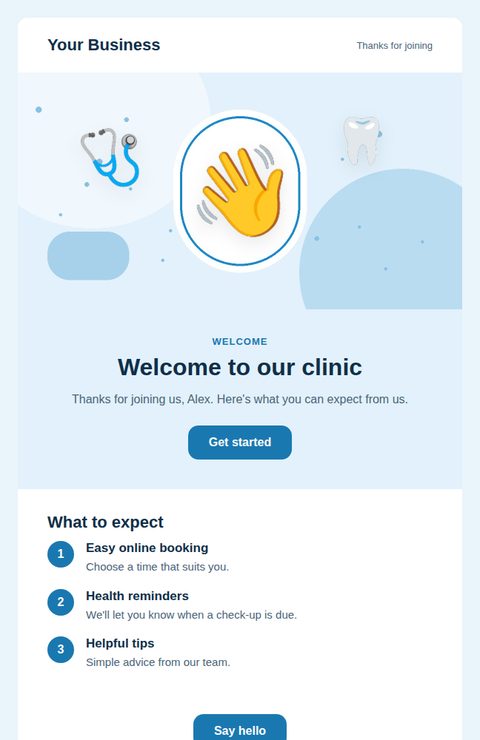
This template converts because it follows three rules: one clear message, one main action, and proof or an incentive that makes acting now feel worthwhile. Each section below has one job, and together they guide the reader from the subject line to the button.
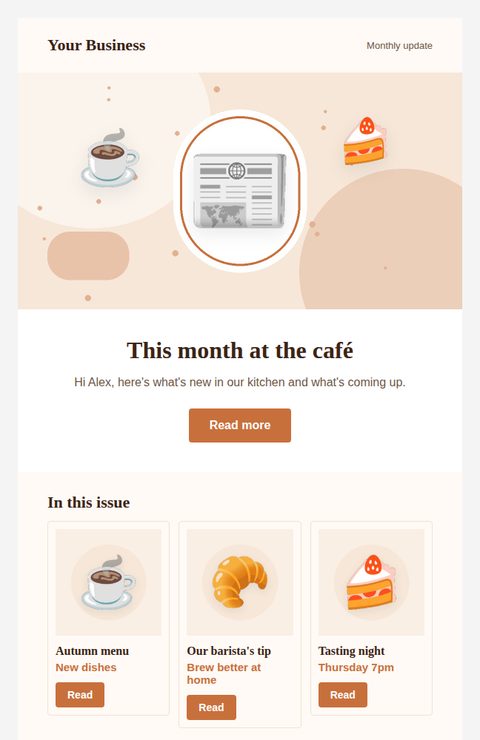
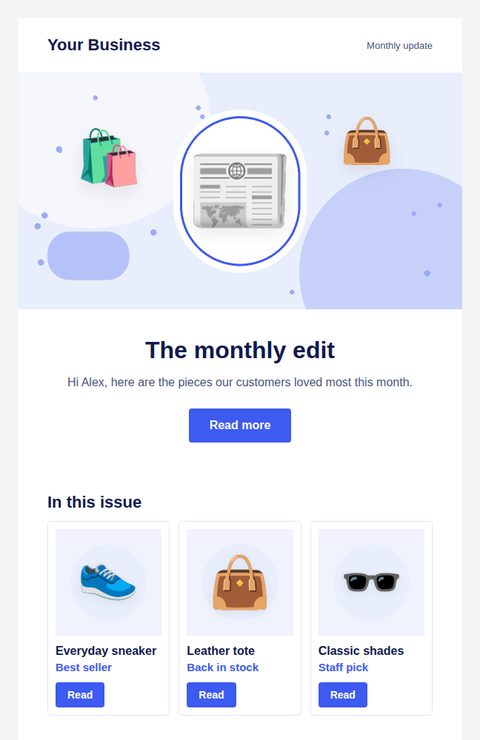
The banner and headline
The headline "Health notes" tells readers in a few words what the email is about. The illustrated banner makes the email recognisable before anyone reads a word. There is one main button — "Read more" — so readers never have to choose between competing actions.
The three cards
"In this issue" shows three specific choices, each with its own button. Three is enough to offer variety without overwhelming a phone screen, and each card links to one exact page, which removes a step between interest and action.
How to use this template to stay top of mind and bring readers back to your site
To use this template, open it in PostaraMail, replace the text, images and links with your own, add your logo and address once in Settings, then send it as a campaign or add it to an automation. It takes most people a few minutes.
- Open the template. Sign up free, go to Emails → Templates and choose this design. It opens in the editor with a live preview.
- Make it yours. Change the headline and text to match your clinic or health practice. Warm photos of your team and clean treatment rooms help patients feel at ease. Never use patient photos without written consent.
- Set your links. Link to online booking and include your phone number for patients who prefer to call.
- Choose your offer. Offers that tend to work for clinics and health practices include priority scheduling, early-morning or evening slots, a family booking in one visit. Pick one and give it a clear end date.
- Send at the right time. Send reminders a few weeks before a check-up is due and at the start of cold and flu season.
- Automate it. Send it as a campaign on the same day each month. Use the same sections every time so writing it takes minutes.
Subject lines and preview text to test
A good subject line tells readers what is inside in under about 50 characters, and the preview text adds the detail. This template uses "Your health notes for this month" with the preview text "A seasonal tip, clinic news and new appointment times.".
Write two versions and send each to a small part of your list, then use the winner for everyone else. Keep them honest — a subject that over-promises gets opened once and ignored after.
- This month at our clinic: 3 things worth knowing
- {{first_name}}, your monthly update is here
- New this month + one quick tip
Mistakes to avoid and rules to follow
The biggest mistakes are unclear offers, too many links and missing legal details. Every marketing email must include a working unsubscribe link and your valid postal address, and must honour opt-out requests promptly.
In the United States, the CAN-SPAM Act requires commercial emails to identify the sender, include a valid physical postal address and give recipients a clear way to opt out [U.S. Federal Trade Commission, 2024].
Gmail also asks bulk senders to support one-click unsubscribe and to keep spam complaint rates low, below 0.3% as reported in Postmaster Tools [Google Workspace Admin Help, 2024]. PostaraMail adds one-click unsubscribe and removes bounced and complaining addresses automatically.
- Cramming in every update — pick three.
- Only selling — share something useful first.
- Sending irregularly — consistency builds the habit.
Sources: CAN-SPAM Act: A Compliance Guide for Business (U.S. Federal Trade Commission, 2024); Email sender guidelines (Google Workspace Admin Help, 2024).
How to measure your results
Measure a monthly newsletter by the action it asks for, not just opens. For clinics and health practices, the numbers that matter are appointments booked online, calls to reception and no-show rates.
Track clicks on each card to learn what readers care about, and use the most-clicked topic as next month's lead story.
A dental clinic can send this to patients whose last visit was six months ago and track online bookings.
PostaraMail shows opens and clicks for every campaign and every automation step, so you can compare versions over time.
Frequently asked questions
Is this clinic monthly newsletter template free?
Yes. You can use this template free on the PostaraMail Free plan, which includes the template library, the editor and sending to up to 100 subscribers.
When should a clinic or health practice send a monthly newsletter?
Send reminders a few weeks before a check-up is due and at the start of cold and flu season.
Can I change the colours and images?
Yes. Upload your own photos, change every word and link, hide any section you don't need, and set your brand colour and logo once in Settings.
Will this email display correctly on phones?
Yes. The template is built with email-safe tables and stacks into one column on small screens. It displays in Gmail, Outlook and Apple Mail.
What should I measure after sending a monthly newsletter?
Focus on appointments booked online, calls to reception and no-show rates. Opens are a helpful signal, but clicks and bookings show whether the email worked.
Conclusion
A strong monthly newsletter does one job clearly. This template gives clinics and health practices a proven structure — a clear headline, one main action and the right supporting sections — so you can focus on your offer instead of your layout. Customise it, send it at the right time, and measure appointments booked online.